End-to-End Encryption Explained: Who Can Read Your Messages?

A messaging app says your conversations are encrypted. That sounds reassuring, but it leaves an important question unanswered: who has the keys?
End-to-end encryption, often shortened to E2EE, protects content so that the intended endpoints can decrypt it while the service carrying or storing it cannot. For a private conversation, those endpoints are usually the participants' devices. For a private file backup, they may be your own authorized devices.
The useful distinction is control. A company can encrypt a database and still hold the keys to read it. End-to-end encryption is designed to keep the keys needed to read protected content away from the intermediary.
Three different meanings of encrypted
Encryption transforms readable information into ciphertext that requires the right key to recover. Where that transformation happens determines what it protects.
Encryption in transit
An encrypted connection protects information traveling between your device and a server. HTTPS is a familiar example. Someone observing the network should not be able to read the protected request or silently change it.
The server is an endpoint of that connection, though. It can decrypt what you send, process it, and create another encrypted connection to deliver a response. Transport encryption is essential, but it does not prevent the service itself from reading the content.
Encryption at rest
A service can encrypt stored files or databases. This helps protect against risks such as someone obtaining a storage device without its keys. However, if the service controls those keys, it can normally decrypt the information when its software needs it.
End-to-end encryption
With E2EE, the sender's endpoint encrypts content for the intended recipients. The delivery service handles ciphertext. The recipient's endpoint decrypts it after delivery.
These protections can work together. An end-to-end encrypted message can also travel over an encrypted network connection and sit on an encrypted drive. Each layer addresses a different part of the journey.
What happens when you send a message
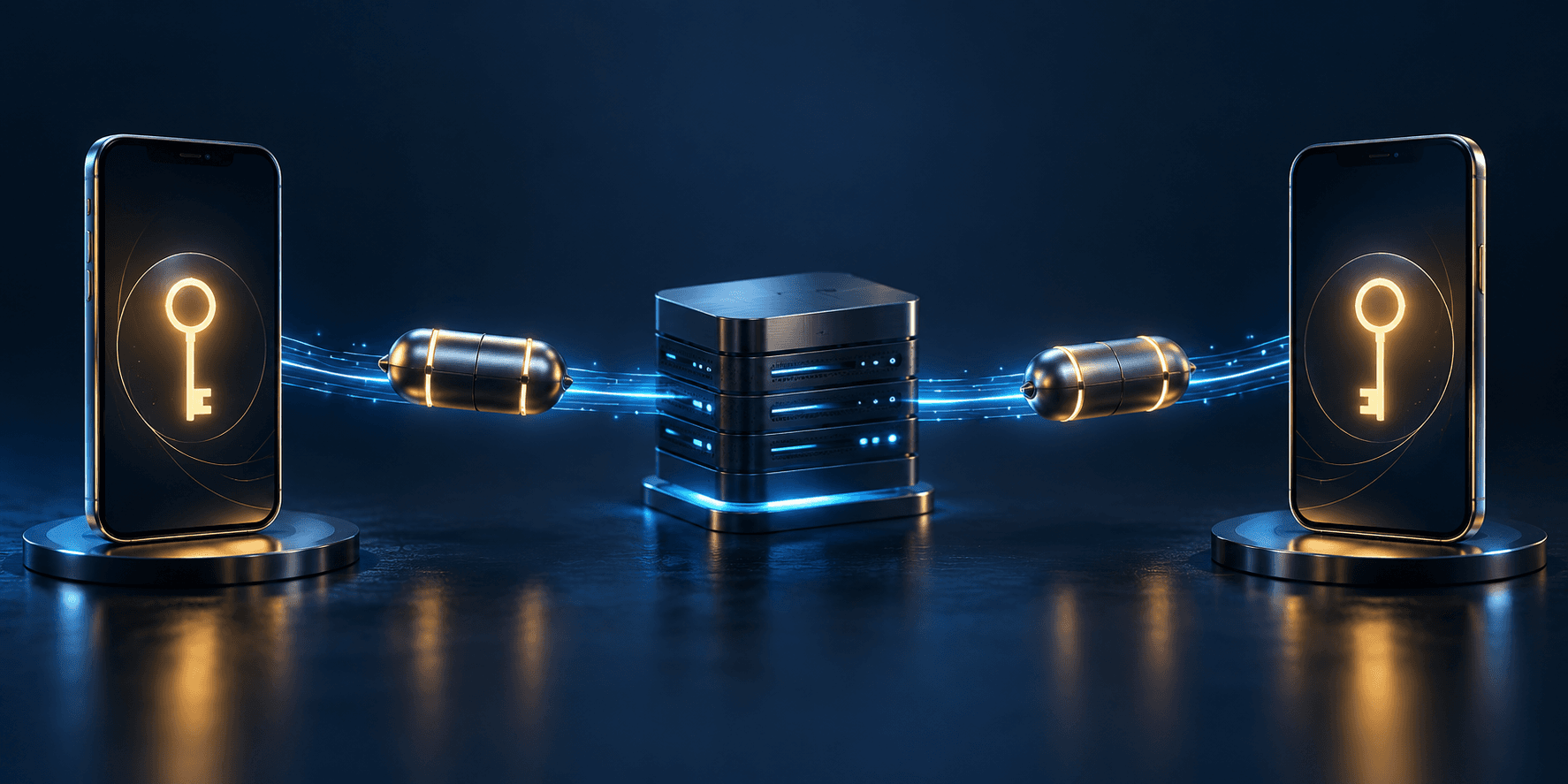
Picture two people exchanging a private note through a delivery company. The company needs to route the package, but it should not need to open the note. The header illustration uses sealed capsules as a metaphor for that separation.
A simplified encrypted messaging exchange looks like this:
- Devices establish cryptographic keys. The protocol helps the participants derive the secrets needed to protect their conversation without giving those secrets to the delivery service.
- The sender encrypts the message locally. The app produces ciphertext and protection against unauthorized modification.
- The service routes the encrypted content. It may temporarily queue the message while the recipient is offline.
- The recipient decrypts it locally. Their authorized device checks the protection and turns the ciphertext back into readable content.
Real protocols have additional machinery for key changes, multiple devices, and group membership. Many also update keys over time to limit the damage from some kinds of key compromise. The exact guarantees depend on the protocol; the E2EE label alone does not describe every security property.
It is also worth separating message encryption from sign-in. A service needs to decide who may access an account, while the encryption system decides which endpoints can read content. Our passkeys explainer describes stronger authentication, which supports account security without replacing message encryption.
How do you know the other endpoint is right?
Encrypting a message for a key is only useful if that key belongs to the endpoint you intended to contact. Otherwise, a secure channel could lead to the wrong person.
Some apps let participants compare a security code or scan a QR code through a trusted channel. Signal calls its conversation check a safety number. Comparing it helps confirm the cryptographic connection, but the number itself does not prove a person's real-world identity.
For sensitive communication, compare through a channel you already trust, such as an in-person meeting. Asking an unfamiliar account to confirm itself inside the same conversation adds little assurance.
A key-change notice is not automatically evidence of an attack. Reinstalling an app or changing a device can cause a legitimate change. Treat an unexpected notice as a reason to check, especially before sending something sensitive.
Backups and recovery deserve their own check
An encrypted conversation can produce copies outside its original protection boundary. Chat backups, exported files, and downloaded attachments each need their own security assessment.
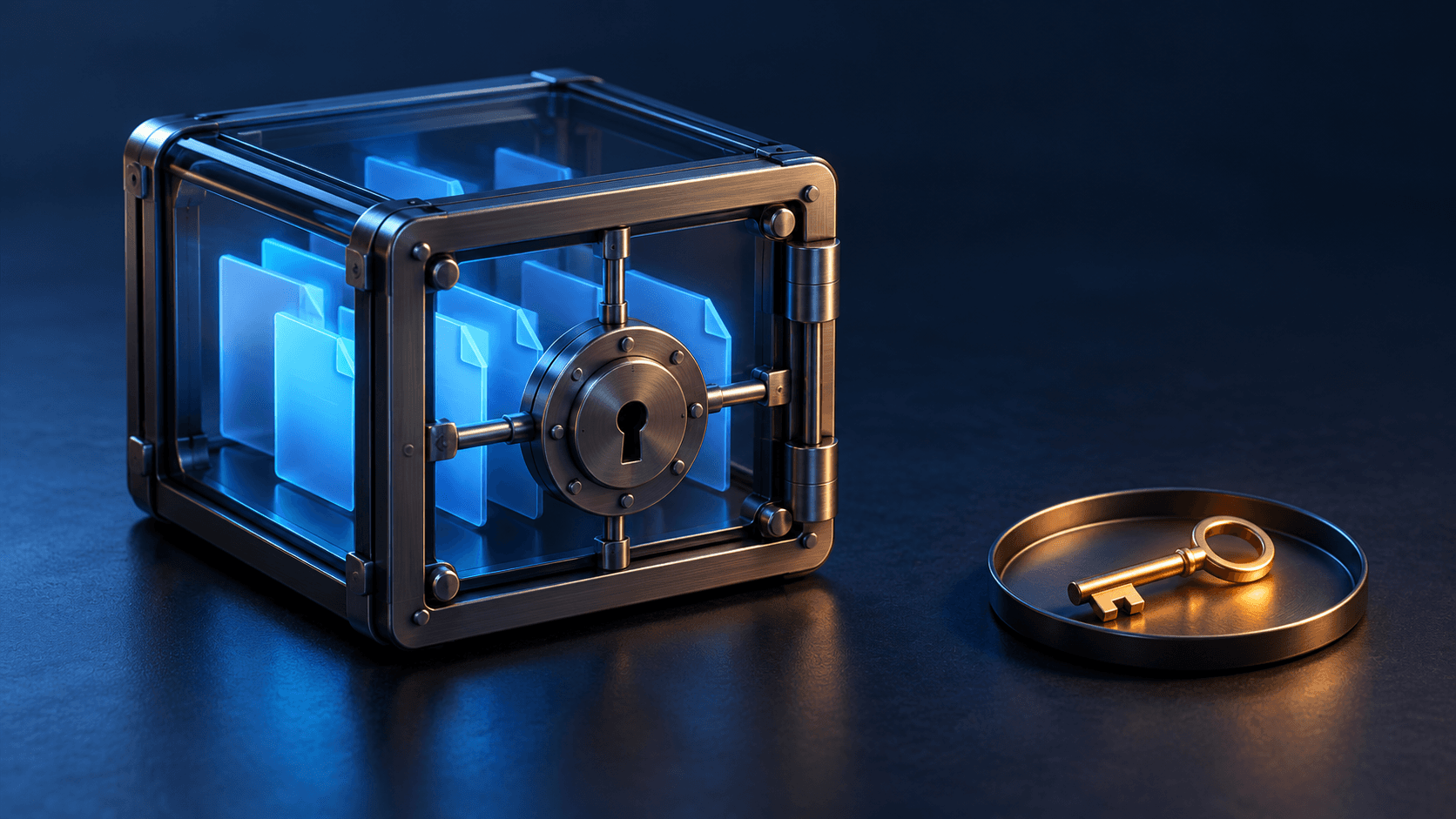
The question is not merely whether a backup is encrypted. Ask who can decrypt it. A backup encrypted with keys held by its provider has a different privacy boundary from one whose recovery secret stays under your control.
Apple's Advanced Data Protection documentation provides a concrete example: for the iCloud data it protects end to end, Apple does not hold the keys needed to recover that data for you. Recovery therefore depends on the configured recovery methods and access you retain. Protection also varies by data category, so a blanket claim about every cloud file would be misleading.
This creates a practical tradeoff. Keeping a provider from reading data can also keep its support team from restoring it after you lose every usable key. Follow the service's recovery instructions, store recovery material securely, and understand the process before replacing or erasing a device.
An account password reset and recovery of encrypted history are different operations. Regaining access to an account does not necessarily restore the keys needed to open its old content.
The ends can multiply
In a group conversation, the authorized endpoints include the group's participating clients. On an account with linked devices, a phone, tablet, or desktop may each be able to receive and decrypt messages.
That makes device and membership management part of privacy. Review linked sessions, remove devices you no longer use, and check a group's members before sharing sensitive material. Changing membership can affect future access, but it cannot reliably erase copies that someone already received.
Business accounts introduce another boundary. A customer may be speaking to an organization rather than one person's phone. Authorized staff, business software, or another connected system may process messages after receipt. Establish who operates the receiving endpoint and what happens to the content there.
What encryption cannot hide
Metadata
Message content and information about message delivery are different things. Depending on the system, an observer or service may learn connection timing, traffic volume, network addresses, or routing information even when the content remains unreadable.
Some services use additional techniques to reduce metadata exposure. Signal's sealed sender design, for example, adds protection around sender information beyond ordinary message-content encryption. These measures illustrate why metadata privacy needs its own design; it does not follow automatically from an E2EE badge.
A compromised or unlocked device
The receiving app must make content available to its user. Malware with sufficient access, an unlocked device in someone else's hands, or visible notification previews can expose information at that endpoint.

The illustration shows the boundary: protection during delivery does not control every copy made after receipt. Keep devices updated, use a strong screen lock, review notification previews, and install software carefully.
The recipient's choices
A recipient can repeat, photograph, export, or forward content they can read. Disappearing messages can reduce the history left in an app, but they cannot stop a determined recipient from recording the screen with another camera.
Encryption also cannot make a message truthful or harmless. An encrypted conversation can still contain scams, impersonation, or unsafe requests. Verify unusual instructions through an established channel before acting.
Five questions to ask before trusting the label
- Which features are covered? Check messages, calls, attachments, group chats, and backups separately. A service may protect them differently.
- Is protection enabled for this conversation? Establish whether E2EE is automatic, optional, or unavailable in the particular mode you are using.
- Which devices and people are endpoints? Review linked devices, group membership, and organizational access.
- Who holds the backup and recovery keys? Understand both the privacy boundary and what happens if access is lost.
- What happens after receipt? Consider local storage, notifications, exports, reporting features, and any integrations that receive decrypted content.
These questions fit the wider habit of checking access rather than assuming trust. For systems that must process sensitive information on a server, our confidential computing explainer describes a different approach to protecting data during use, with its own trust boundary.
End-to-end encryption makes a specific, valuable promise: the intermediary does not need readable access to the protected content. Keeping that promise useful means looking beyond the delivery path to the devices, people, and copies at either end.