
On-Device AI Explained: What Runs Locally and Why It Matters

Artificial intelligence often feels like something that lives somewhere else. You ask a question, upload a photo, or speak into a device, then wait while a distant data center does the difficult work.
On-device AI changes that path. It lets a phone, laptop, camera, car, or wearable run at least part of an AI task locally. Your device can recognize speech, improve a photo, summarize text, detect an unusual sound, or suggest a reply without sending every input to a remote server.
That does not mean cloud computing is disappearing. It means the boundary between your device and the cloud matters more.
What on-device AI actually means
On-device AI is machine learning inference performed on the device where the data is created or used. Inference is the stage when a trained model receives new input and produces a result.
Training and inference are different jobs. Training usually involves showing a model many examples and adjusting its internal parameters until it can find useful patterns. It can demand enormous amounts of computing power. Inference uses the finished model to handle a new photo, sentence, sound, or sensor reading.
If you want the broader foundation, our beginner's guide to machine learning algorithms explains how models learn patterns from data. On-device AI focuses on what happens after a model is ready to use.
The model may still have been trained in a data center. A software update can then place a smaller, optimized version on your device. When a supported task runs, the device loads that model, turns your input into numbers, performs the required calculations, and returns the result locally.
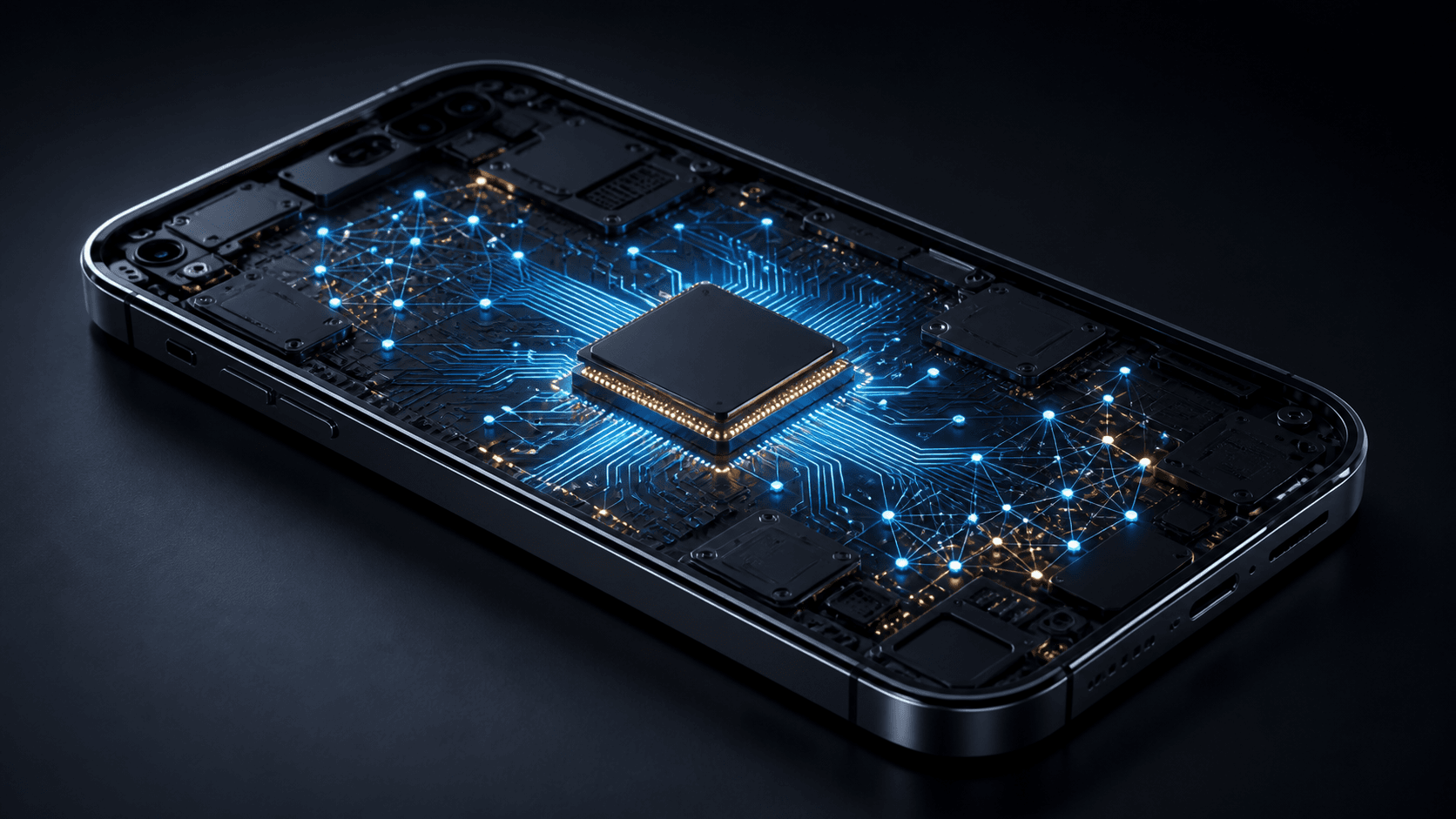
Why small devices can now do serious AI work
Modern devices contain more than a general-purpose central processing unit. Many also include graphics processors and dedicated neural processing hardware designed to perform the repeated mathematical operations used by machine learning models efficiently.
Hardware is only part of the story. Developers can also make models easier to run through techniques such as:
- Quantization, which represents model values with lower precision and reduces memory and computation needs.
- Pruning, which removes model connections that contribute little to the result.
- Distillation, which trains a smaller model to reproduce useful behavior from a larger one.
- Task-specific design, which builds a model for one narrow job instead of asking it to handle everything.
These techniques involve tradeoffs. A smaller model may be faster and more private, but less capable on unusual or complex inputs. The goal is not to squeeze the biggest possible model into a phone. It is to find the smallest model that performs the intended task reliably.
The main advantages of keeping work local
Faster responses
Sending data to a server adds network delay. Even a fast connection must move the request out, wait for processing, and return the result. Local inference can respond immediately enough for live captions, camera effects, typing assistance, and accessibility tools.
This is the personal-device version of a wider shift toward processing data closer to where it is created. When timing matters, distance becomes part of performance.
Useful features without a connection
A local model can keep working in a tunnel, on a flight, in a remote area, or during an outage. The exact feature may still need occasional downloads or account checks, but its core inference does not depend on a round trip to a server.
Offline access can make technology more dependable. It also matters in places where connectivity is expensive, slow, intermittent, or shared among many people.

Better control over sensitive inputs
If a voice sample, photo, document, or health signal is processed locally, the raw input may not need to leave the device. That can reduce exposure during transmission and limit how much personal data a service must store.
That "may" matters. A feature can perform one step locally while still uploading analytics, backups, prompts, results, or selected files. Local inference is a technical capability, not a complete privacy promise. The app's permissions, settings, privacy policy, and network behavior still matter.
Lower server demand
Every cloud inference request consumes computing capacity. Moving routine tasks onto hardware people already own can reduce server load and operating cost. It can also let a service continue working when its servers are busy or unavailable.
What still belongs in the cloud
Local devices have strict limits. They run on batteries, have limited memory, must control heat, and share their resources with every other app. Large or highly capable models may need more storage and computing power than a phone can provide comfortably.
Cloud systems can pool powerful hardware, use larger models, combine information from many sources, and update a service without downloading a new model to every device. That is why cloud computing remains a foundation for modern digital services, even as more work moves toward the edge.
Many products therefore use a hybrid design:
- The device handles quick, common, or sensitive tasks locally.
- A server handles requests that need a larger model, fresh information, or heavy computation.
- The product chooses a path based on connectivity, device capability, user settings, and task complexity.
This division can provide the best of both approaches, but it can also make product claims difficult to interpret. A feature described as "powered on device" may use local processing only for one stage of a longer workflow.
On-device does not automatically mean private
Three separate questions are often collapsed into one:
- Where is inference performed? The answer may be the device, a server, or both.
- Where is data stored? Local processing does not prevent cloud backups or synced history.
- Who can access the data? Encryption, account security, permissions, retention rules, and sharing settings determine this.
A photo tool might detect faces locally but sync the full photo library to a cloud account. A keyboard might generate suggestions locally but collect optional diagnostic data. A health app might analyze a sensor signal on a wearable, then store the result in an online profile.
None of these designs is automatically bad. The important point is that "on-device" describes a place where computation happens. It does not answer every question about data handling.
How to evaluate an on-device AI claim
You do not need a chip diagram to ask useful questions. Look for practical evidence:
Does the feature work offline?
Offline operation is one of the clearest signs that core inference is local. Test it only when doing so will not interrupt an update, backup, or safety-critical feature.
Is there a separate download?
Some apps download a language pack or AI model before local features become available. The download size can also hint at the tradeoff between capability and storage.
Which devices are supported?
A feature limited to newer hardware may rely on a particular accelerator, amount of memory, or operating system framework. Older devices may use the cloud, offer a reduced version, or lack the feature entirely.
What happens to inputs and results?
Check whether the service says raw inputs stay local, whether results are synced, how diagnostics work, and whether cloud processing can be disabled. Precise descriptions are more useful than a general privacy label.
Can you tell when the cloud is used?
Hybrid systems should make important transitions understandable. If a request will upload a private document or recording for more capable processing, that change should not be hidden behind vague language.
The tradeoffs you may notice
Local AI can use storage, drain the battery, and generate heat. It may pause in low-power mode or run more slowly when several demanding tasks compete for resources. Models stored on a device also need secure updates when developers fix errors or improve behavior.
Results can vary by hardware. The same feature may feel instant on a new laptop and constrained on an older phone. Developers must decide whether to support many device classes with several model versions or keep behavior consistent through the cloud.
There is also an equity question. On-device processing can help people with poor connectivity, but features that require expensive new hardware can exclude users with older devices. A thoughtful product provides clear requirements and useful fallbacks instead of treating the newest chip as the only acceptable path.
What comes next
On-device models will become more capable as processors improve and model optimization gets better. The most meaningful progress may not look like a tiny version of a massive chatbot. It may be a focused model that understands your voice, protects a private document, spots an accessibility need, or makes a camera react instantly.
The strongest designs will use location as a deliberate choice. Sensitive and time-critical work can stay close to the user. Large, shared, or frequently updated tasks can use the cloud. Products can explain when data crosses that boundary and give people useful control over it.
The bottom line
On-device AI means a device can use a trained model to process new input locally. It can improve speed, offline access, privacy, and reliability, but it remains constrained by power, memory, heat, storage, and model size.
It is best understood as one part of a hybrid computing landscape, not a replacement for the cloud and not a complete guarantee of privacy. The useful question is no longer simply whether a product uses AI. It is where the work happens, what data moves, and whether you control the boundary.